 | Timetec Hynix IC 8GB DDR3L 1866MHz (1x8GB)
- 2Rx8 Dual Rank
- CAS Latency 13
- 1.35V
 ## Basic Components
This is a Mini PC purchased from AliExpress to act as a router/firewall. It only provides expansion through USB and focuses more on power efficiency than raw performance. This allows it to run without any fan for cooling.
### Compute
#### Processor
[Intel Pentium N4200](https://ark.intel.com/content/www/us/en/ark/products/95592/intel-pentium-processor-n4200-2m-cache-up-to-2-5-ghz.html) - Provides excellent mix between performance and efficiency using only 6W.
| | |
|-|-|
| Cores / Threads | 4 / 4 |
| Base Frequency | 1.1 GHz |
| Burst Frequency | 2.5 GHz |
| Cache | 2MB L2 Cache |
| TDP | 6W |
#### GPU
Integrated Intel HD Graphics 505
| | |
|-|-|
| Base Frequency | 200 MHz |
| Burst Frequency | 750 MHz |
| Max Memory | 8GB |
| QuickSync Video | Yes |
### Motherboard
| | |
|-|-|
| Form Factor | Proprietary |
| CPU | Soldered Intel Pentium N4200 |
| Chipset | unknown |
| Memory | 1x DDR3L 1866MHz SODIMM, 1.35V, Max 8GB |
| Video | 1x HDMI |
| Networking | 4x Intel i211AT 1GbE |
| PCI | none |
| Storage | | Timetec Hynix IC 8GB DDR3L 1866MHz (1x8GB)
 | Dogfish 128GB mSATA MLC SSD |
| SATA2
 | Inland Professional 120GB SATA MLC SSD
### Cooling
n/a
### Power Supply
n/a
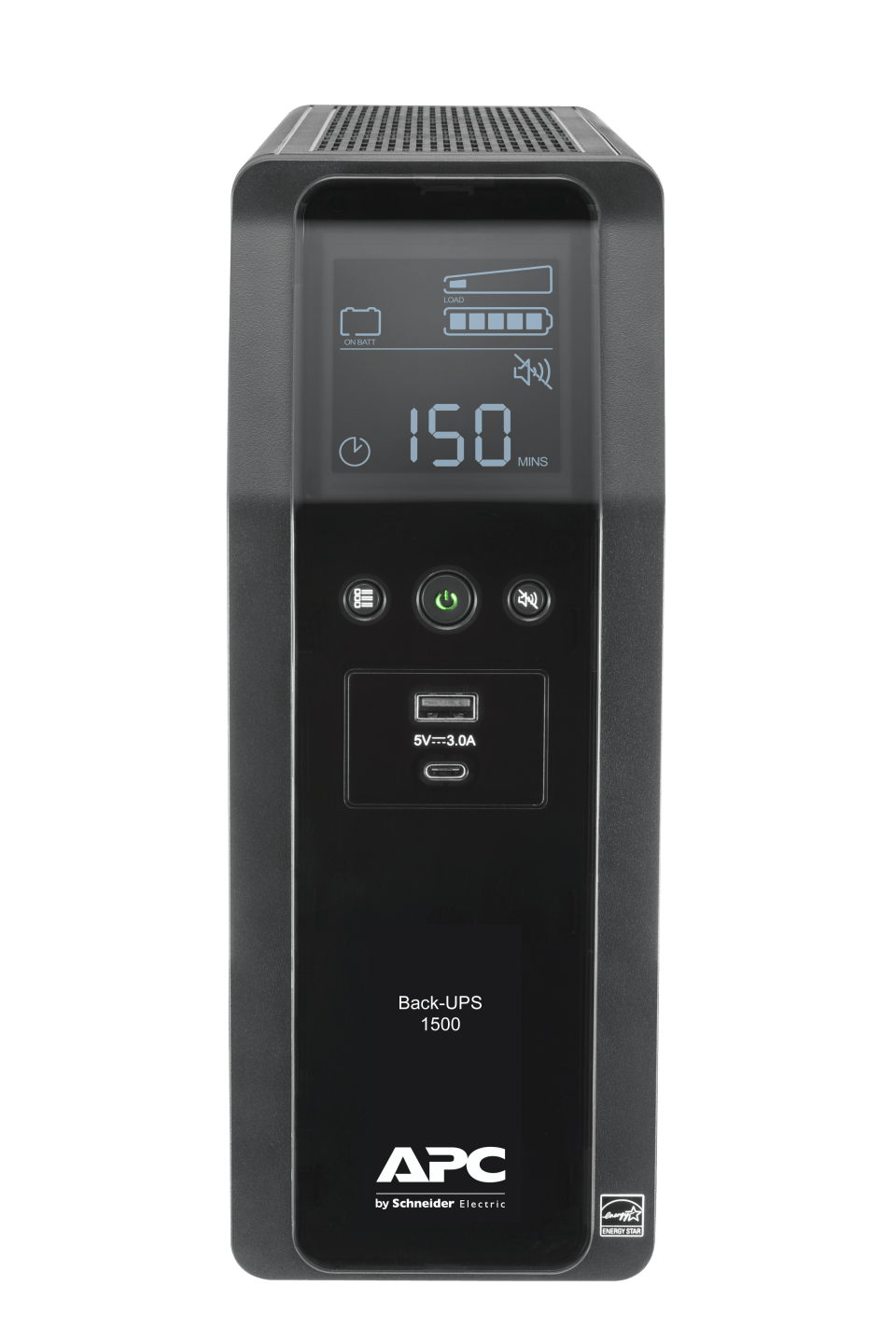 ### UPS
| | |
|-|-|
| Manufacturer | APC |
| Model | [Back UPS PRO BN-M2 1500VA](https://www.apc.com/shop/us/en/products/Back-UPS-PRO-BN-1500VA-10-Outlets-2-USB-Charging-Ports-AVR-LCD-interface/P-BN1500M2)|
| Features |
Proxmox configuration has been transitioned to being automated by an Ansible Role
# LXC / ember ## Description
LXC container acting as a router/firewall. You can read more about how it is setup at [Project Router](https://bookstack.swigg.net/books/project-router).
## Configuration
### Resources
| Hostname | CPU | Memory |
|----------|--------|--------|
| ember | 4 vCPU | 2048MB |
### Storage
| Mount Point | Source | Mount Path | Size | Options |
|-------------|--------|------------|------|---------|
| rootfs | apool-zfs:subvol-100-disk-0 | / | 2GB | noatime |
### Networking
### Interfaces
| ID | Type | Name | Link | IPv4 Address | IPv6 Address | Description |
|----|------|------|------|--------------|--------------|-------------|
| net0 | physical | eth0 | enp1s0 | DHCP | DHCPv6 | WAN |
| net1 | bridge | eth1 | vmbr0 | - | - | LAN
### Installed Software
# LXC / pihole
 ## Description
A LXC container running [Pi-Hole](https://pi-hole.net/) to provide DNS caching and advertisement blocking.
## Configuration
### Resources
| Hostname | CPU | Memory |
|----------|--------|--------|
| backup | 2 vCPU | 512MB |
### Storage
| Mount Point | Source | Mount Path | Size | Options |
|-------------|--------|------------|------|---------|
| rootfs | apool-zfs:subvol-101-disk-0 | / | 2GB | noatime |
### Networking
#### Interfaces
| ID | Name | Bridge | IP Address | Description |
|----|------|--------|------------|-------------|
| net0 | bridge | eth0 | vmbr0 | DHCP | fde9:2375:2ebf:1::2/64
# LXC / adguard
 ## Description
A LXC container running [AdGuard Home](https://adguard.com/en/adguard-home/overview.html) to provide DNS caching and advertisement blocking.
## Configuration
### Resources
| Hostname | CPU | Memory |
|----------|--------|--------|
| adguard | 2 vCPU | 512MB |
### Storage
| Mount Point | Source | Mount Path | Size | Options |
|-------------|--------|------------|------|---------|
| rootfs | apool-zfs:subvol-101-disk-0 | / | 2GB | noatime |
### Networking
#### Interfaces
| ID | Name | Bridge | IP Address | Description |
|----|------|--------|------------|-------------|
| net0 | bridge | eth0 | vmbr0 | DHCP | fde9:2375:2ebf:1::2/64